

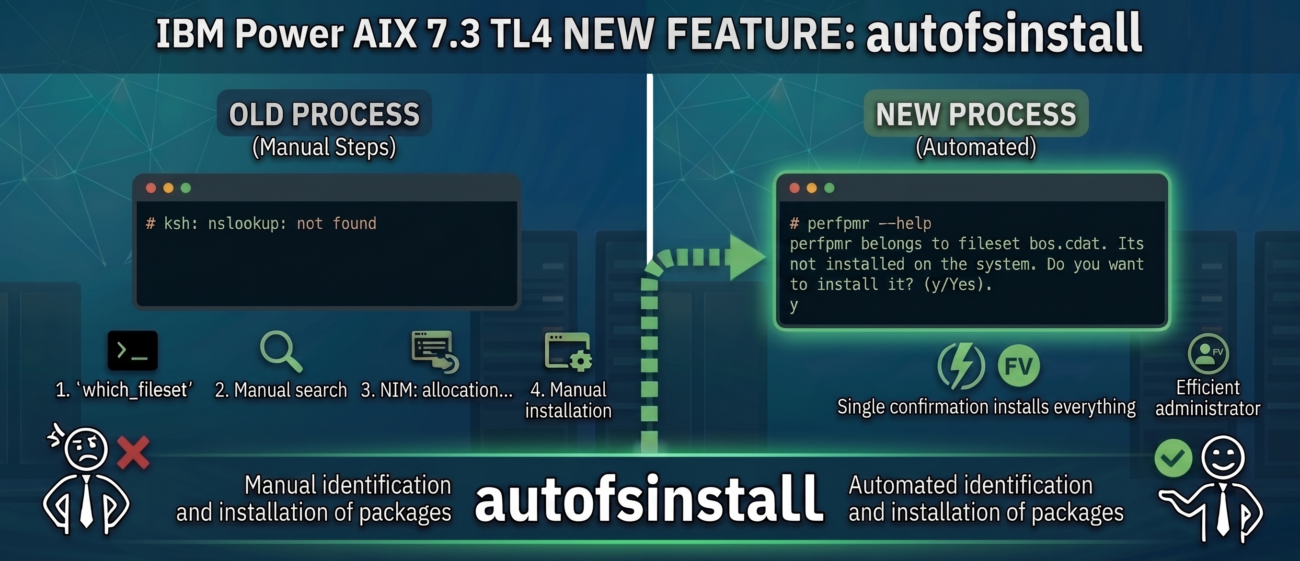
Every AIX administrator is familiar with this scenario: you start working in a new environment and find out that a necessary command is missing from the system. Until now, adding these tools required following a standard procedure. First, you had to use the which_fileset command to precisely identify which package the binary belonged to:
# which_fileset perfpmr
/usr/lib/cdat/types/perfpmr             bos.cdat 7.3.2.0
/usr/lib/cdat/types/perfpmr/perfpmr     bos.cdat 7.3.2.0
Next, you had to mount the installation media or allocate resources from a NIM server to ultimately perform a manual software installation.
With the release of AIX 7.3 TL4, IBM introduced a major enhancement that significantly streamlines this process: the autofsinstall feature.
This new tool automatically installs missing filesets the exact moment an unrecognized command is executed. It is a highly convenient approach to package management, already well-known to Linux administrators. Bringing it to the AIX environment adds a layer of automation and greatly improves the comfort of daily administrative tasks.
How does this work in practice?
Let’s move from theory to execution. To demonstrate autofsinstall in action, I intentionally removed the perfpmr tool from the system. Let’s see what happens when we try to run it in our environment (assuming a properly configured NIM client):
# perfpmr --help

perfpmr belongs to fileset bos.cdat. Its not installed on the system. Do you want to install it? (y/Yes).

y

+-----------------------------------------------------------------------------+
                    Pre-installation Verification...
+-----------------------------------------------------------------------------+
Verifying selections...done
Verifying requisites...done
Results...


SUCCESSES

(...)

+-----------------------------------------------------------------------------+
                                Summaries:
+-----------------------------------------------------------------------------+


Installation Summary
-------------------
Name                        Level           Part        Event       Result
-------------------------------------------------------------------------------
bos.cdat                    7.3.2.0         USR         APPLY       SUCCESS
bos.cdat                    7.3.2.0         ROOT        APPLY       SUCCESS

bos.cdat for command perfpmr successful.

Usage: /usr/lib/cdat/types/perfpmr/perfpmr [-d arg]
After confirming the installation prompt, the system automatically determined which package was needed (in this case, bos.cdat). It carried out the installation and, most importantly, immediately executed our original command.
Configuration and Mechanics: A Look Under the Hood
The automatic package installation feature is disabled by default. To check its status, simply run the autofsinstall -l command:
# autofsinstall -l
Auto-installation of missing commands is not enabled.
Activation requires just a single command: autofsinstall -a
# autofsinstall -a
Auto-installation of missing commands is enabled.
Please open a new terminal for the changes to take effect.
After running this, you must open a new terminal session. This is necessary because the command appends a trap to the .profile file:
# cat .profile
trap "if [[ -f /usr/lib/instl/fileset_resolve ]]; then /usr/lib/instl/fileset_resolve; fi" DEBUG
This fileset_resolve script is exactly what catches unknown commands and initiates the installation. Should you wish to disable this functionality later, just execute autofsinstall -d and source your profile again.
# autofsinstall -d
Auto-installation of missing commands is disabled.
Please open a new terminal for the changes to take effect.
Next, you need to allocate the lpp_source containing the required installation filesets for the version of the system you are running:
# nimclient -o allocate -a lpp_source=lpp_source_7300_04_00_2546If the resources are not allocated, the system will trigger an error:
# perfpmr
perfpmr belongs to fileset bos.cdat. Its not installed on the system. Do you want to install it? (y/Yes).
y
LPP source not allocated to client.